NanoBanana: IP Character Design, Multi-View Sheets, Stable Outputs
nanobananapro IP tutorial: prompts for character bible, turnaround views, expression sheets, and costume variants—built for consistent Nano Banana Pro series production.
IP design is not one good image—it is many images that still look like the same character. NanoBanana Pro works best when you treat production as a pipeline: character bible → turnaround → expression/pose sheets → costume variants.
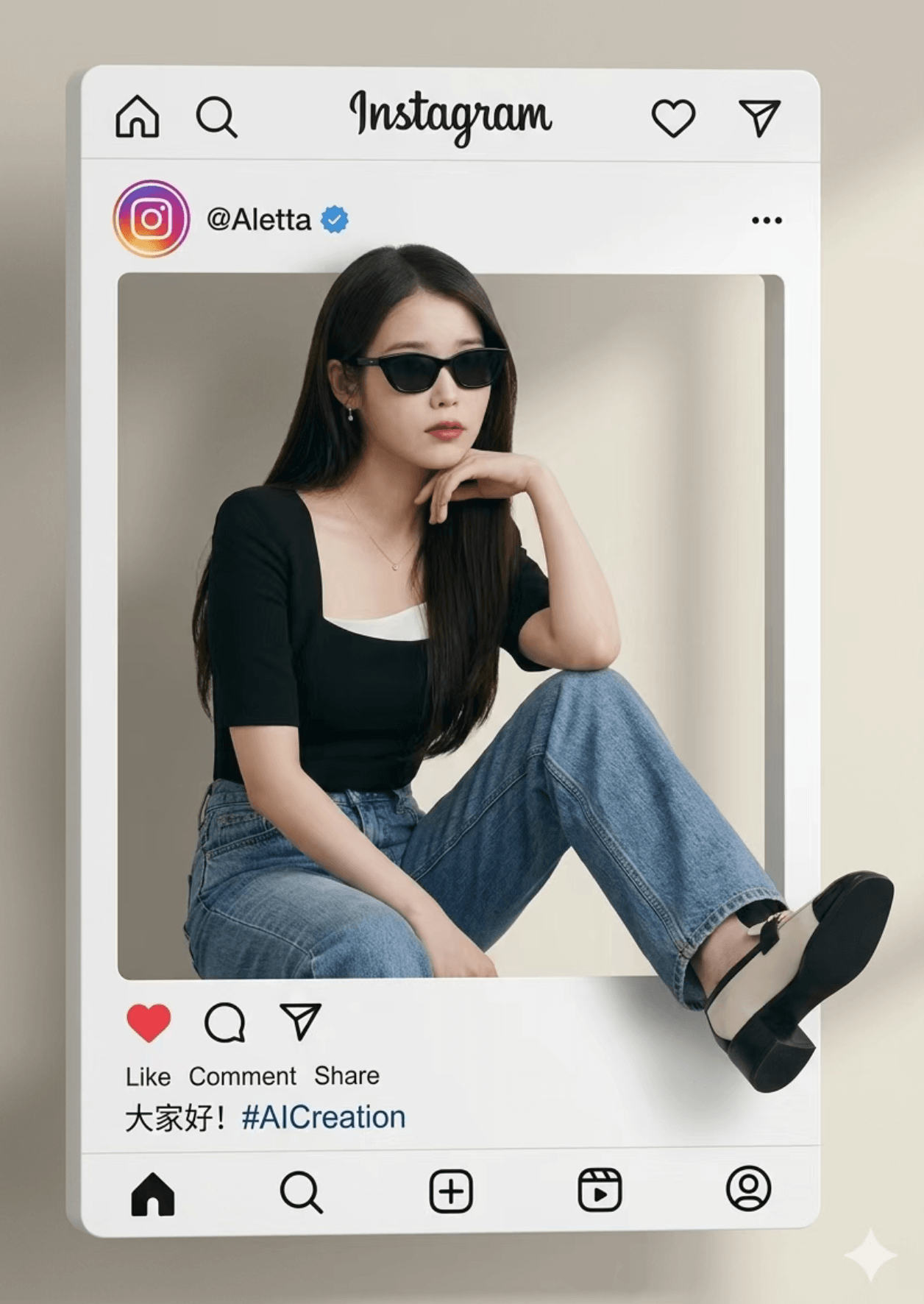
Recommended workflow
Step 1: Write a character bible (fixed anchor)
Lock face shape, hairstyle, signature props, palette, and personality.
Step 2: Turnaround (front / side / back)
Keep the same camera language and a clean background. Explicitly ask for consistent proportions.
Step 3: Expression or pose grid (3×3)
Ask for nine variations while repeating: do not change facial structure or hairstyle.
Step 4: Wardrobe variants (identity locked)
Keep the face and hairstyle unchanged. Only change outfit/scene/props…
Prompt skeleton
Create an IP character sheet for “[Name]”: turnaround views (front, side, back), clean white background, consistent scale, line clarity. Character traits: [traits].
Then create a 3×3 expression grid with nine distinct expressions; identity must remain consistent. Style: [realistic / illustration / 3D].
Constraints: no watermark, no extra fingers, crisp edges.
Troubleshooting
| Issue | Fix |
|---|---|
| Face drift | Paste the bible again; reduce style words |
| Grid breaks | Split into two 3×3 generations |
| Style drift | One style keyword only |